Personal Project · 2026
Local Launch
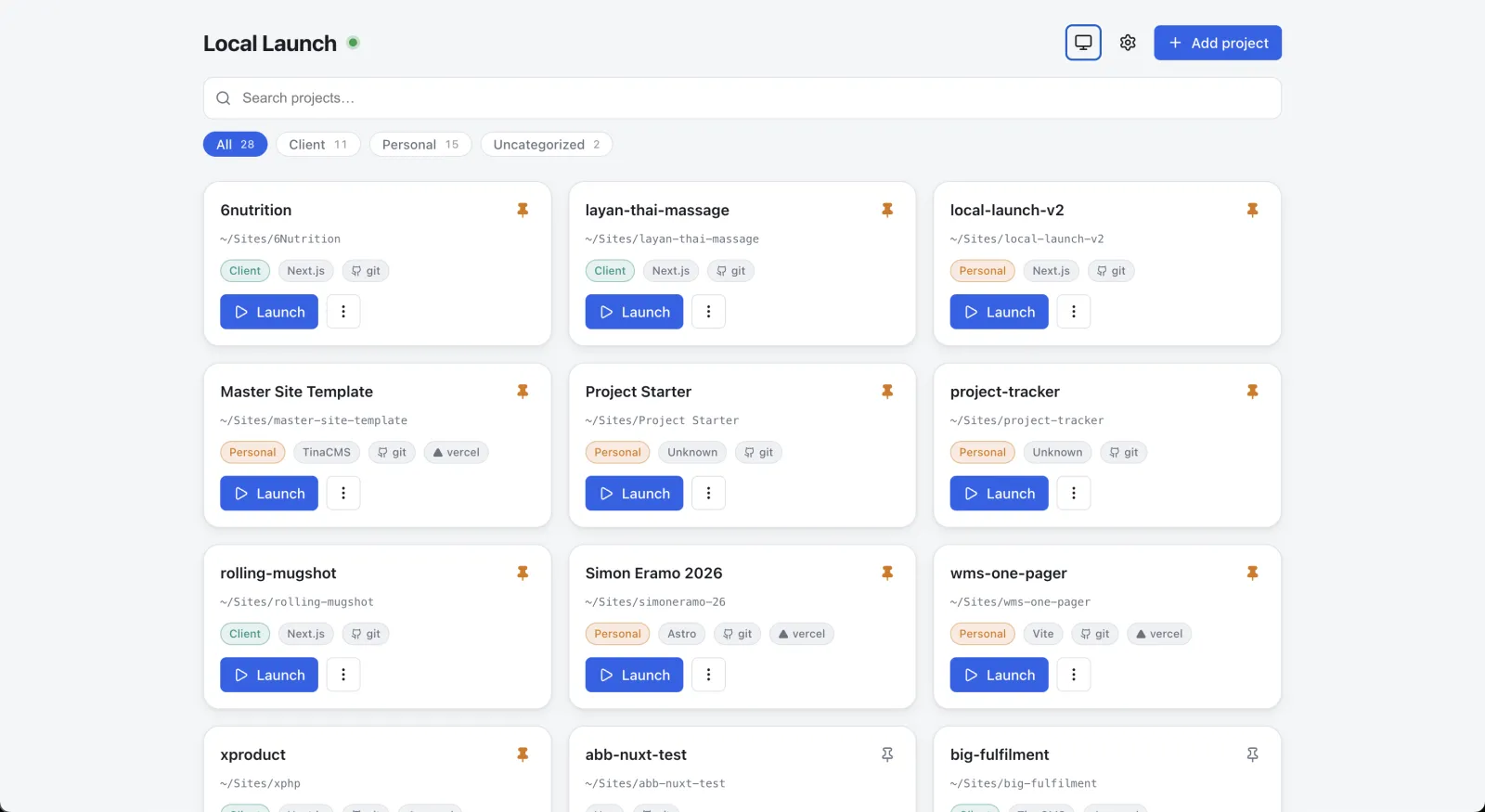
A local command center for the dev servers across your ~/Sites projects—scan, launch, stop, and monitor them from one place, on one port. Version 2 is a ground-up rewrite that pushes live state over Server-Sent Events, so the dashboard always reflects what's actually running.
Role
Product Designer & Full-Stack Developer
Year
2026
Stack
Next.js 15 · React 19 · TypeScript · Server-Sent Events · Node.js
Overview
Executive Summary
Local Launch is a
dashboard for starting, stopping, and tracking the dev servers across
a developer's ~/Sites projects—from one place, on one port. Version 2 is a ground-up rewrite. The original worked, but its split Vite-frontend
/ Express-backend architecture and 2.5s polling loop produced a class
of frustrating bugs: process desync, an lsof storm, and a UI that wouldn't
update after you hit Stop. v2 collapses everything into a single Next.js
process that pushes state over Server-Sent Events, so the dashboard
always reflects what's actually running.
The Challenge
A Working Tool That Fought Back
v1 shipped and got daily use—but its architecture made it fragile and hard to evolve. Two processes, a constant polling loop, and detection logic that walked every listening port created bugs that compounded with use.
- 2.5s polling triggered an lsof storm that stalled the backend
- "Frontend alive, backend dead" desync between the Vite and Express processes
- The UI wouldn't update after Stop—an 8s cooldown plus a resurrect bug
- Hot-reload wiped in-memory state and orphaned child processes
- A 921-line App.jsx and 1054-line server.js that were hard to change safely
- PID files littered into every project folder
The root cause: a two-process design where the UI could show "Running" for a server that was already dead.
The Solution
One Process, Pushed State
v2 rebuilds the dashboard on a single Next.js 15 (App Router) process serving both the UI and the API on one port. The server is the single source of truth, pushing live updates over SSE and tracking only the processes it spawned—so Stop is instant and the state can't drift.
Live SSE State
The server pushes an event when a process spawns, dies, or changes port. The UI never polls.
One Process, One Port
A single Next.js App Router process serves the UI and the API on port 7777—no frontend/backend to fall out of sync.
Framework Intelligence
Table-driven detection and port resolution for Next.js, Astro, Vite, and TinaCMS—adding a framework is one row.
Reliable Stop Pipeline
Graceful SIGTERM → SIGKILL → port-kill fallback. Stop is instant and always leaves the port free.
Per-Project Config
Override the command, port, browser, or env vars without touching package.json—the escape hatch for monorepos and Docker.
Orphan Recovery
On startup it checks last-known ports against what's still listening and offers one-click cleanup of leftovers.
Design
Key Design Decisions
Truth Over Detection
v1 scanned every port to surface terminal-started servers—the source of the lsof storm and the resurrect-after-stop bug. v2 deliberately drops external detection: a project is Running iff the dashboard launched it. A smaller promise the tool can keep perfectly.
Push, Don't Poll
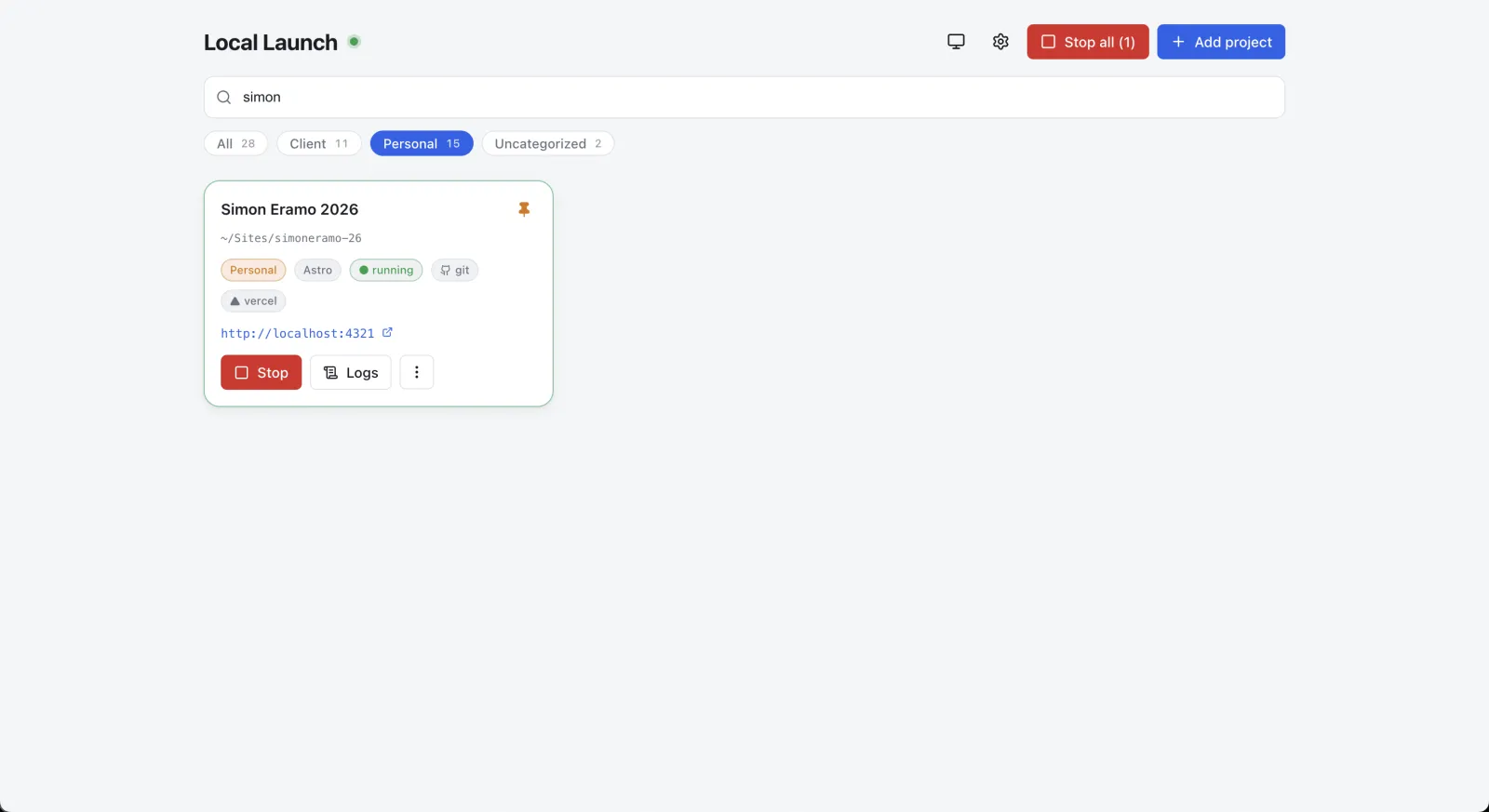
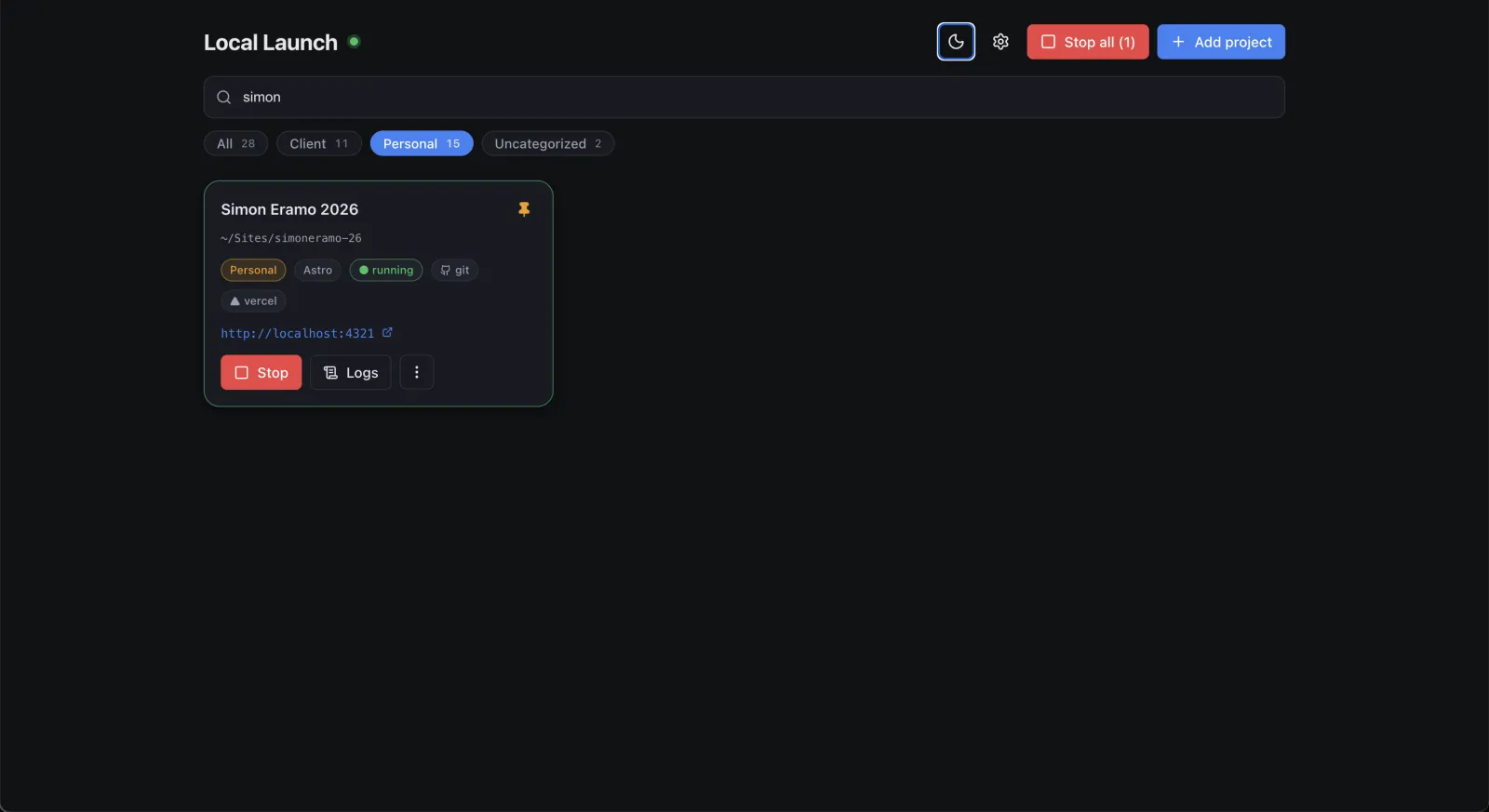
A live log drawer streams stdout/stderr from any running project
(also written to ~/.local-launch/logs), and an event bus pushes state changes the instant a process
spawns, dies, or remaps a port—replacing the old polling loop
entirely.
One Hand-Inspectable Store
Pins, added projects, settings, and per-project overrides live
in a single JSON file at ~/.local-launch/state.json—written atomically through a serialized queue, so concurrent
routes can't clobber it. No more PID files scattered across
every project.
Engineering
Technical Architecture
A single Next.js process where Route Handlers mutate state, emit on an event bus, and stream the result back to the UI over SSE—no second runtime to fall out of sync.
Frontend
Next.js 15 + React 19
TypeScript · Lucide Icons
Backend
Route Handlers
child_process · tree-kill
Realtime
Server-Sent Events
Event bus on globalThis
click ──▶ api.launch() ──▶ /api/launch ──▶ launcher.launch()
                                              │ spawns child, parses URL
                                              ▼
                                      eventBus.emit("project")
                                              │
   UI state ◀── useProjects ◀── /api/events (SSE) ◀──┘
Impact
The Result
v2 is feature-complete and verified end-to-end on macOS—launch, stop, and orphan-recovery flows all tested against real projects. The rewrite didn't just add features; it deleted whole categories of bug.
- Process desync eliminated—one process means the UI can't show "Running" for a dead server.
- Instant, reliable Stop—graceful → force → port-kill always leaves the port free, no 8-second cooldown.
- Survives hot-reload and crashes—registry and event bus pinned to globalThis; the orphan banner recovers leftover ports on restart.
- Far easier to evolve—single-responsibility files (~50–200 lines) replace a 921-line component and 1054-line server; adding a framework is one row.
💡 Daily use: wire alias ll='~/Sites/local-launch-v2/scripts/start.sh'—it builds if needed and serves the dashboard on port 7777, ready
every morning.
Last updated · June 2026